One place for every format

Manuscript

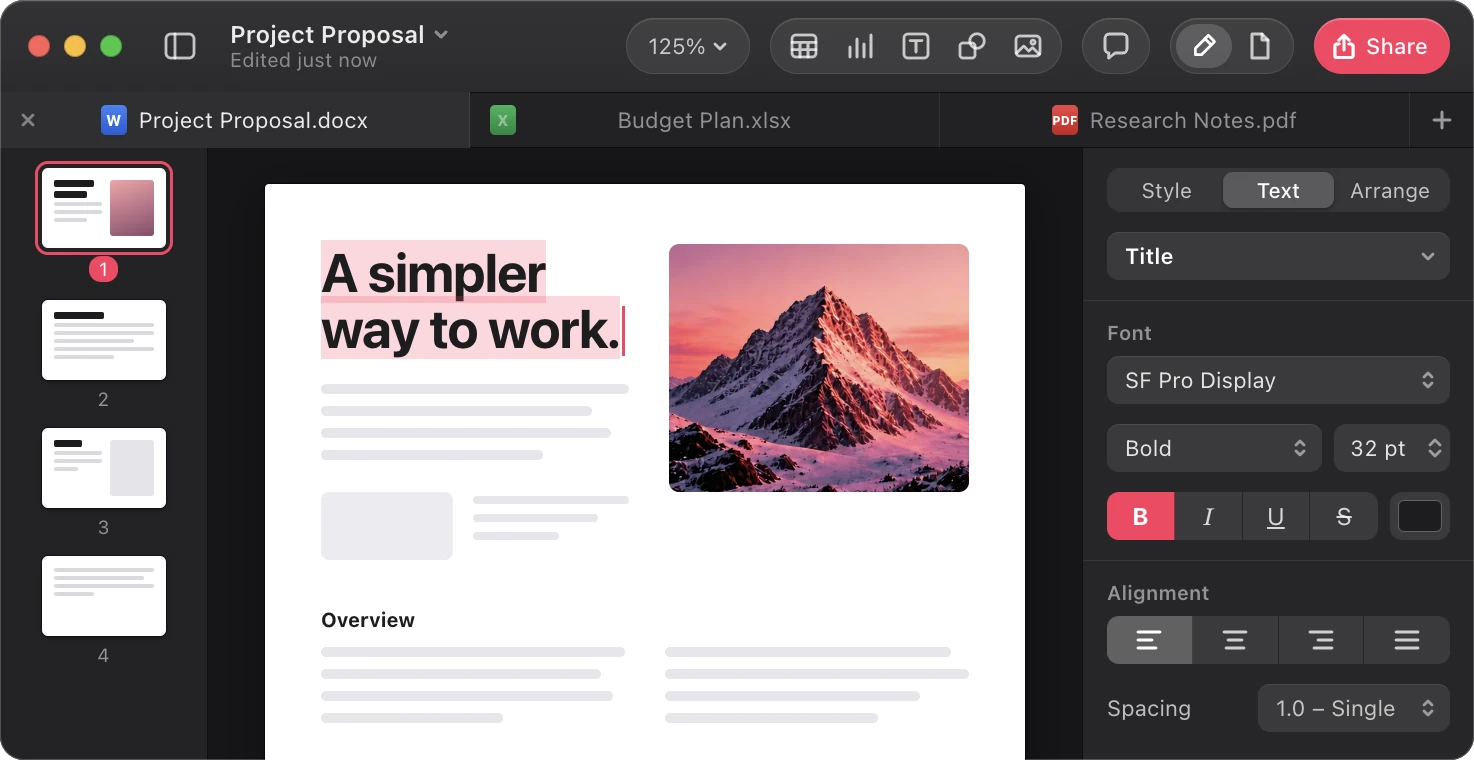
The Manuscript editor on macOS with three tabs open: a Word document, a spreadsheet and a PowerPoint presentation, showing a page of formatted text beside the text formatting inspector
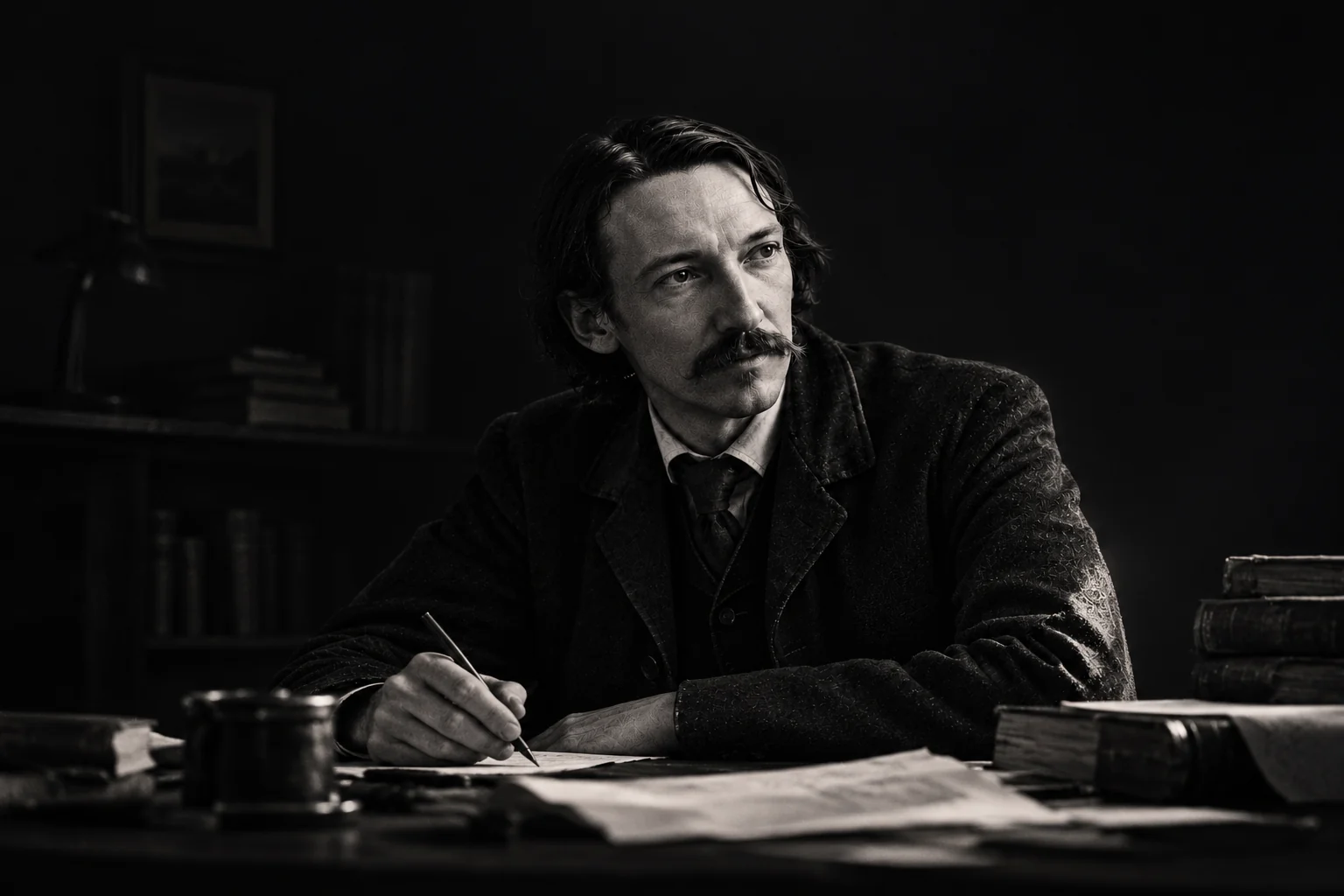
A writer in low light bent over a manuscript, a single lamp lighting the page
Robert Louis Stevenson

The craft of the draft

Stand on the shoulders of the greats.

Everything great took its time to be perfected.

Manuscripts were burned and rewritten.

Manuscript gets you to the next draft faster.

So you can get it just right.

Format fidelity

What you see is what they see.

Send a document from your Mac and it opens on any PC exactly as you made it. Every font, every margin, every page break.

Switch between them. Nothing on the page moves.
  • Word documents

    Styles, tables, comments and tracked changes, exactly where the author left them.

  • Spreadsheets

    Formulas stay live, and every column keeps its width and number format.

  • Presentations

    Slide layouts, fonts and speaker notes stay exactly where you arranged them.

Never lose context

Bring all your formatting, notes, changes and everything else with you and to others. You will never have to fear losing any of this vital information again.

Everything else gets out of the way.

Write without the chrome

The interface steps back while you type, and returns the moment you reach for it.

Every draft is kept

Move back through any version of a document without leaving the page you are on.

Format once, carry it everywhere

Set your layout a single time and it survives every export, in every format.

Made for macOS

Built on the system frameworks, so long manuscripts stay responsive as they grow.

Your files stay yours

Documents are ordinary files on your own disk, readable with or without Manuscript.

Start where you stopped

Reopen a manuscript and the cursor, scroll and selection are exactly as you left them.

Make the start yours.

Create your own templates, import them or access others that match what you are looking for.

Explore Templates

Create something worth reading.